

A fire stamp
A star stamp
A party popper stamp

A whiteboard for ideas that need more than words

Work through difficult questions, present your thinking clearly, collaborate when it helps, and keep the next steps beside the drawing.

Open a working board without an account. Nothing to install.

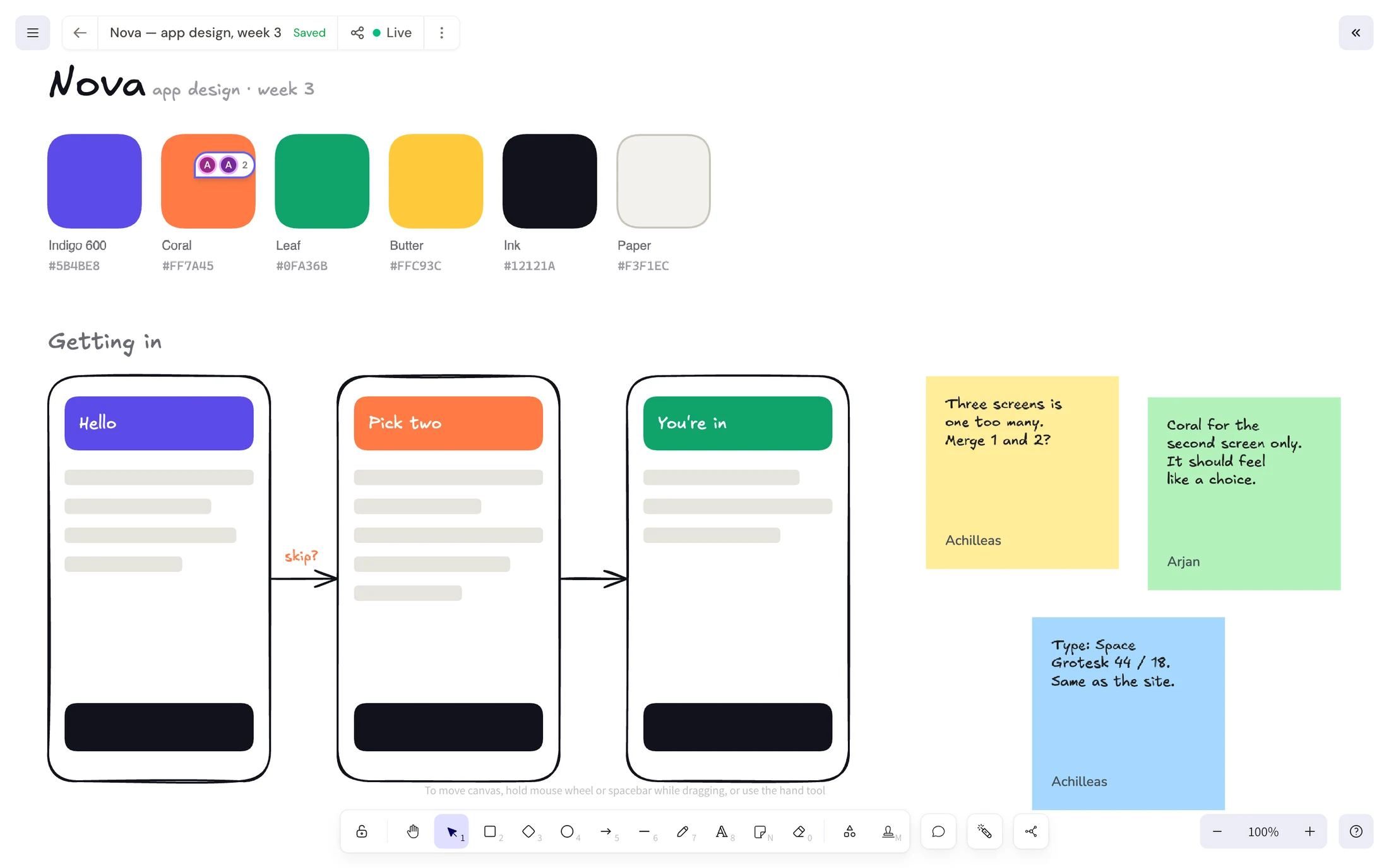
A Kromdraw board three people are working on: a colour palette, three phone screens joined by arrows, signed sticky notes, stamps and a pinned comment

Shape it

Think at the right level of detail

Use hand-drawn shapes for the parts that are still in flux, and real screenshots or embeds where detail matters. Start loose, then add precision as the decisions become clearer.

Sketch and rearrange

Connect shapes with arrows, label them, and rearrange the flow without redrawing it. The connectors move with the shapes, so trying another sequence takes seconds. Everything stays hand-drawn, which keeps an early idea from looking more settled than it is.
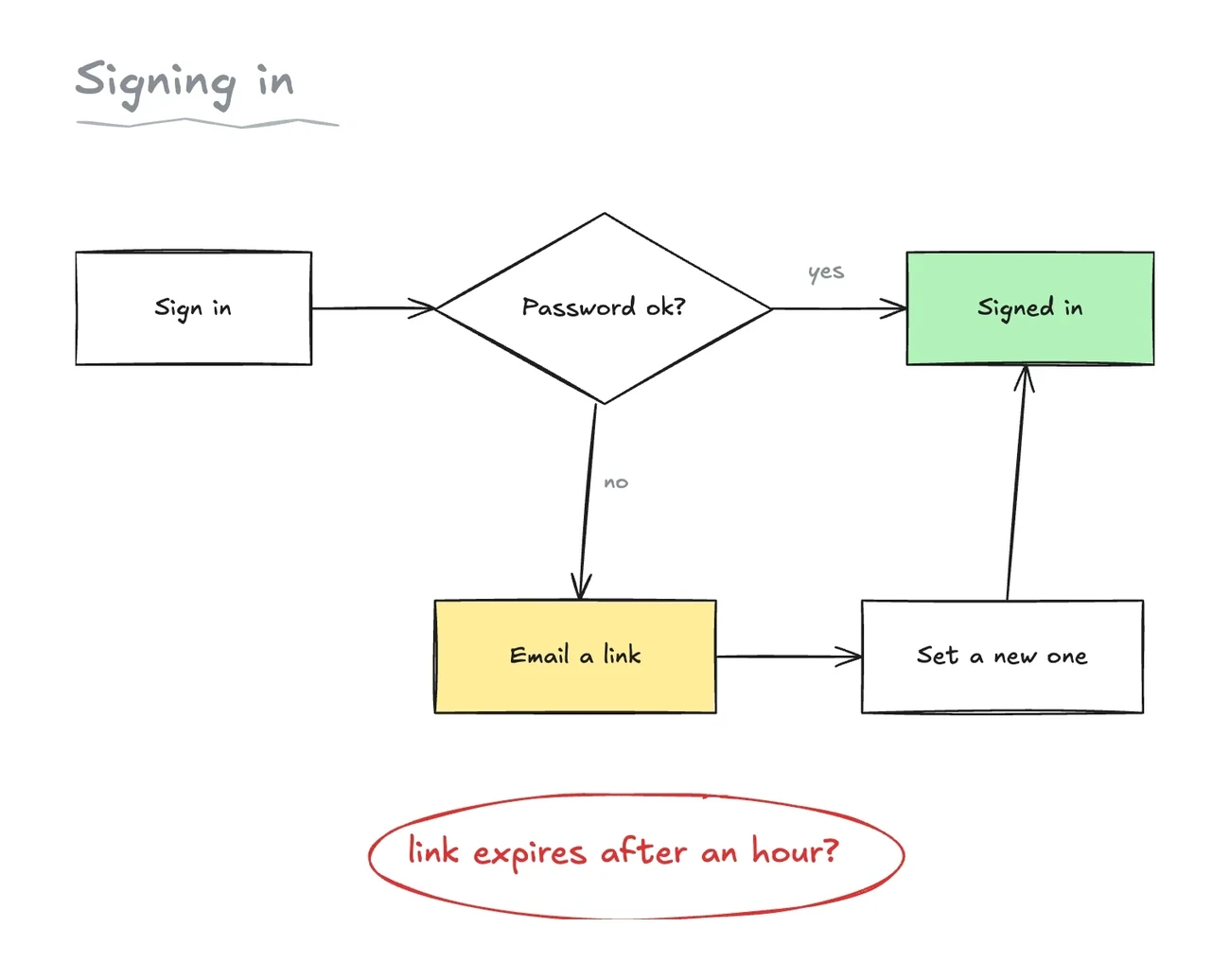

A rough sign-in flow: a box, a diamond asking whether the password is right, and branches to Signed in or to Email a link, with a question circled in red

Add the source material

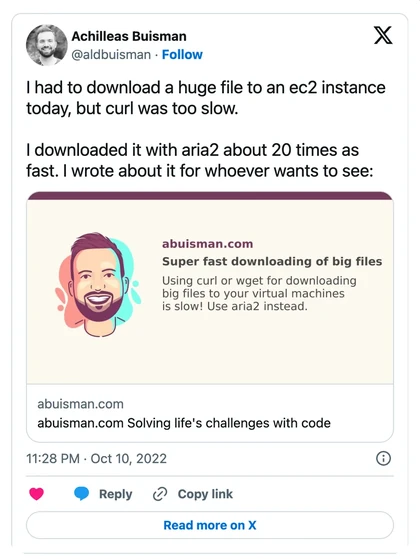
Paste a link to add a working video, post, prototype, or document to the canvas. It plays or scrolls in place, so people can inspect the real source without leaving the board. Keep exact material where it helps and sketch freely around it.

A YouTube video playing on the canvas An X post embedded on the canvas

Together

Keep everyone in the picture, wherever they are

Share a link for a live session, or leave notes and comments for people to pick up later. The board keeps the drawing, discussion, and decisions in one place.

Invite people with a link

Clients and guests can join from a live link without an account or a paid seat. They choose a display name and appear on the board with everyone else. Choose whether guests can draw or only view, and end the session to revoke the link for everyone at once.

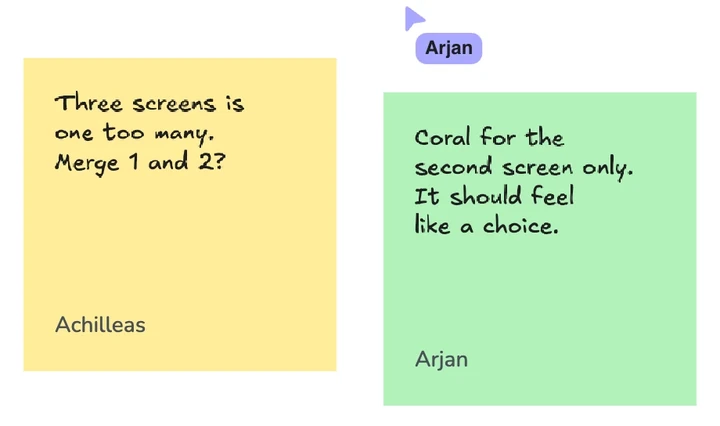
Two sticky notes signed Achilleas and Arjan, with Arjan's live cursor on the board above them The Go live button in the board's title bar

Add notes around the drawingN

Add questions, options, and reminders without folding them into the drawing itself. Notes come in ten colours and are signed automatically, so you can separate contributions and still know who wrote what when you return later.

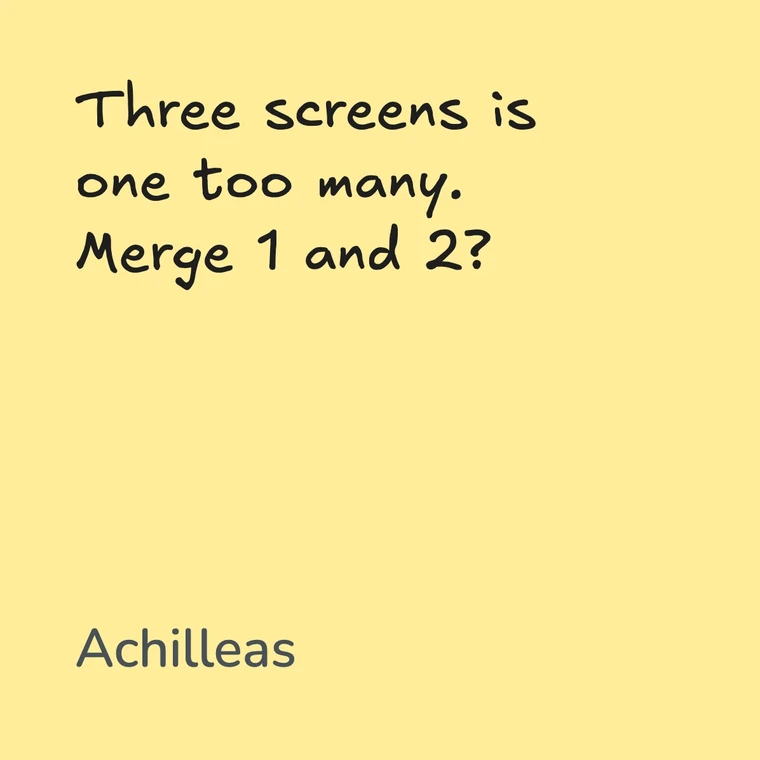
A yellow sticky note reading Three screens is one too many, Merge 1 and 2, signed Achilleas

React with a stampM

Use a stamp for a quick reaction, to mark something that needs attention, or to run an informal vote. Your recent stamps sit in a wheel for quick access; the full picker has 609. Point at any stamp on the board to see who left it.

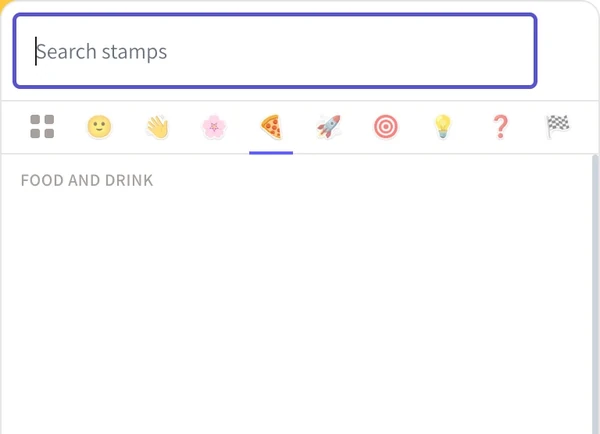
The stamp picker, open on the food and drink category, with a search box above it
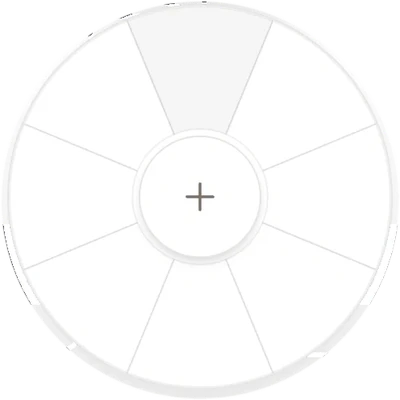
The stamp wheel: your eight most recent stamps around a plus button

Comment on a specific part

Pin a comment to the exact shape, screen, or note you want to discuss. Replies stay attached to that spot, so the conversation still makes sense without a meeting or a separate chat thread. Resolve it when the question is settled.

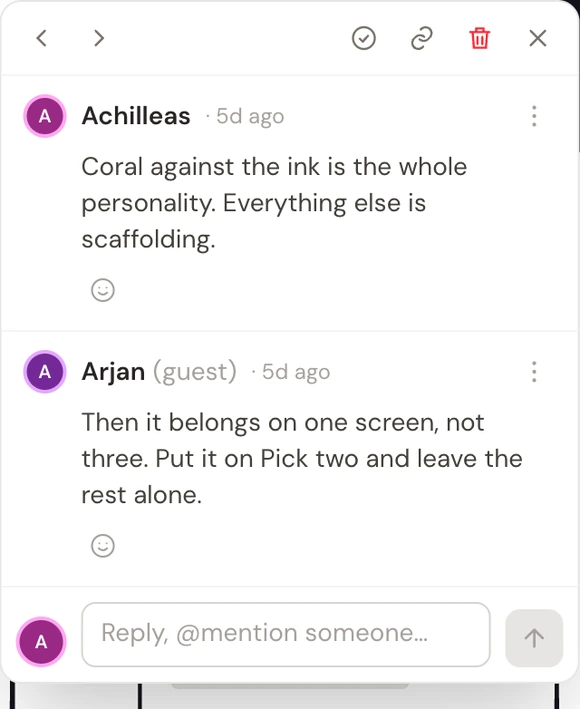
A comment thread on the board: Achilleas saying the coral against the ink is the whole personality, and a reply from Arjan, marked as a guest, disagreeing

Finish it

Turn thinking into doing

Add the next steps to the board and track the work without losing the drawing that explains it. The plan stays beside the decisions it came from.

Put the checklist on the boardK

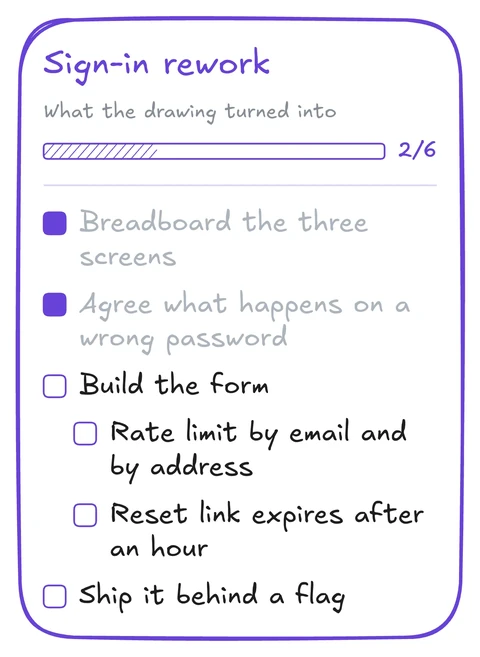
Add a checklist beside the drawing, nest related items, and move or resize the list as the board changes. Its header shows how much is complete. If the plan already lives in a ticket or notes app, paste the whole list—indentation and checked items are preserved.

A rough sign-in flow on the canvas, with the password branch drawn out A checklist card titled Sign-in rework, reading 2 of 6 done, with nested items under Build the form

Keep the plan with the drawing

A task often makes sense only in relation to the flow, screen, or decision beside it. Keeping the plan on the board means that context is still visible when somebody returns days or weeks later.

Think before you do. Then truly do.

See progress across a collection

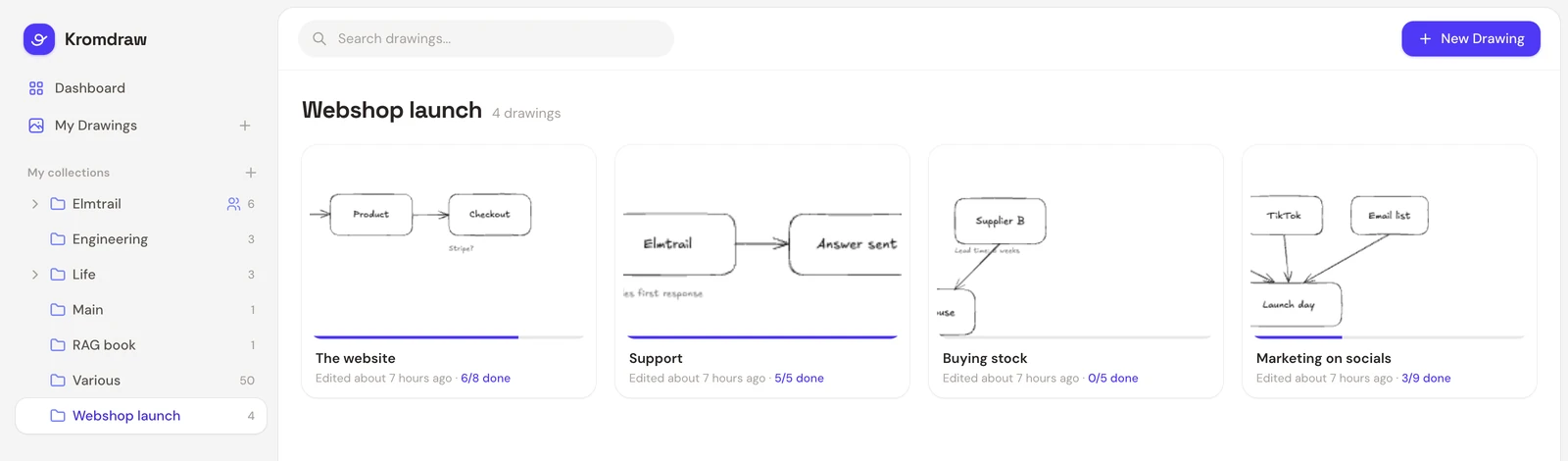
Every board card shows the progress of its checklists. Scan a collection to see what is finished, what has not started, and which board needs attention without opening each one.

Two boards in a folder called Webshop launch, each card showing its drawing, a progress bar and a count: 6 of 8 done and 5 of 5

Your data

Your boards are portable

Export a board as an open .kromdraw file that other editors can read. Export a folder or your account as a ZIP that preserves the folder structure, rather than a pile of unrelated files.

Import works the other way around: review what Kromdraw found before anything is created. Deleted work stays in the trash until you remove it, so cleanup does not quietly become data loss.

a-board.kromdraw

Inside a .kromdraw file

See what is included when you export a board.

Read the export guide →

Questions

Common questions

Totally made up, but ask me questions often enough and they will show up here.

How is this different from Miro or FigJam?

Kromdraw is narrower. It combines a whiteboard with checklists, so the plan stays beside the drawing it came from. It is made in the Netherlands and hosted in the EU.

See the detailed comparisons with Miro, FigJam, and Excalidraw+.

Do the people I invite need an account?

No. Guests join from a live link and choose a display name. You control whether they can draw, and ending the session revokes the link.

Can I get my boards back out?

Yes. A board exports as a .kromdraw file that other editors can read. Your account exports as a ZIP with its folder structure intact. The export guide lists exactly what is included.

Where do my boards live?

On servers in the EU. Kromdraw is made by Ronkatil B.V., an independent Dutch company. The subprocessor list names every company that can handle your data and what it receives.

Is there AI in it?

There are no AI features in Kromdraw today. I am exploring an MCP server so coding agents can read or add to boards when you choose to connect them.

Does it work on a phone?

On a tablet, yes. On a phone it's cramped, and I wouldn't plan a session around it.

Try Kromdraw

Open the editor without an account, or create one to save and share boards.

Who made this

Hello, I'm Achilleas.

I’m a software developer from the Netherlands. I built Kromdraw because sketching ideas helped my teams catch mismatched assumptions before we started building. A rough flow or screen often made ten minutes of discussion more concrete.

I wanted one place for rough diagrams, source material, discussion, and the checklist that follows. Most whiteboards handled the first part well, then sent the actual work somewhere else. That became Kromdraw.

I also make Decoy and Kitaso. If you write to Kromdraw, I’m the person who replies.

Achilleas Buisman

achilleas@kromdraw.com